Dashboard

An at-a-glance overview of status, metrics, and next actions.

What it is

A dashboard summarises the state of a system or account: key metrics, recent activity, and shortcuts to act. It orients the user and routes them onward rather than holding deep detail itself.

When to use

Home screens for tools, admin panels, and any product where users return to check status.

When not to

Single-task or linear flows where a focused screen beats a broad overview.
20 examples

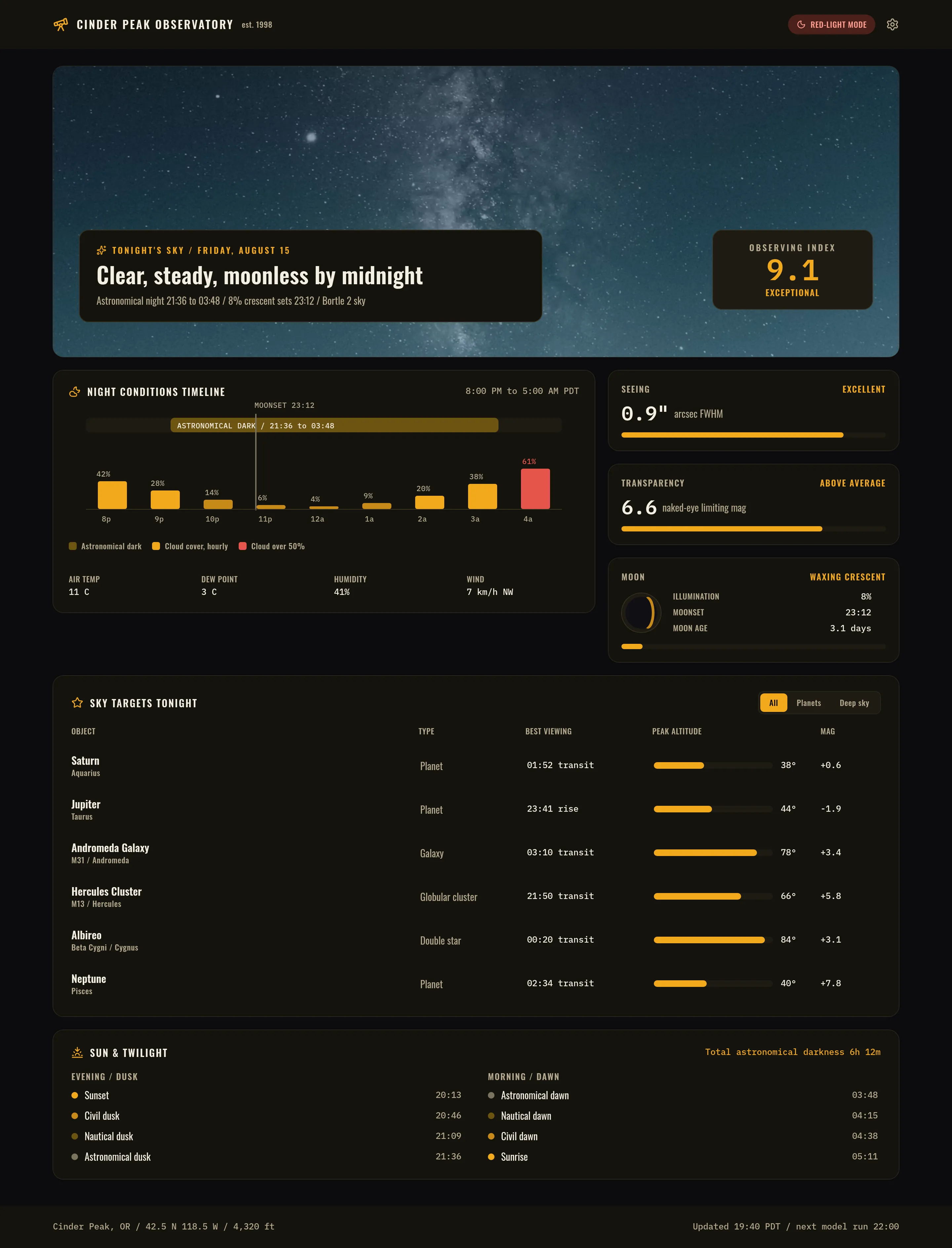
Cinder Peak Observatory - Tonight — .gui preview
Cinder Peak Observatory - Tonight Web
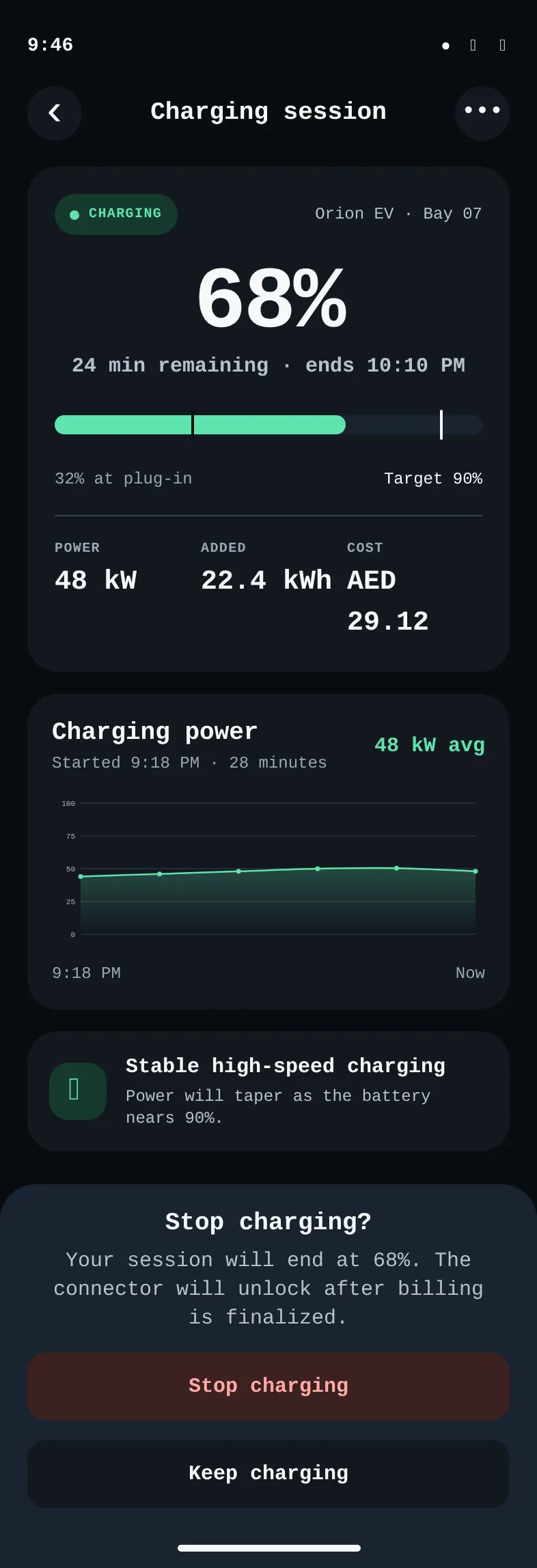
Ampere - EV Charging Session — .gui preview
Ampere - EV Charging Session iOS
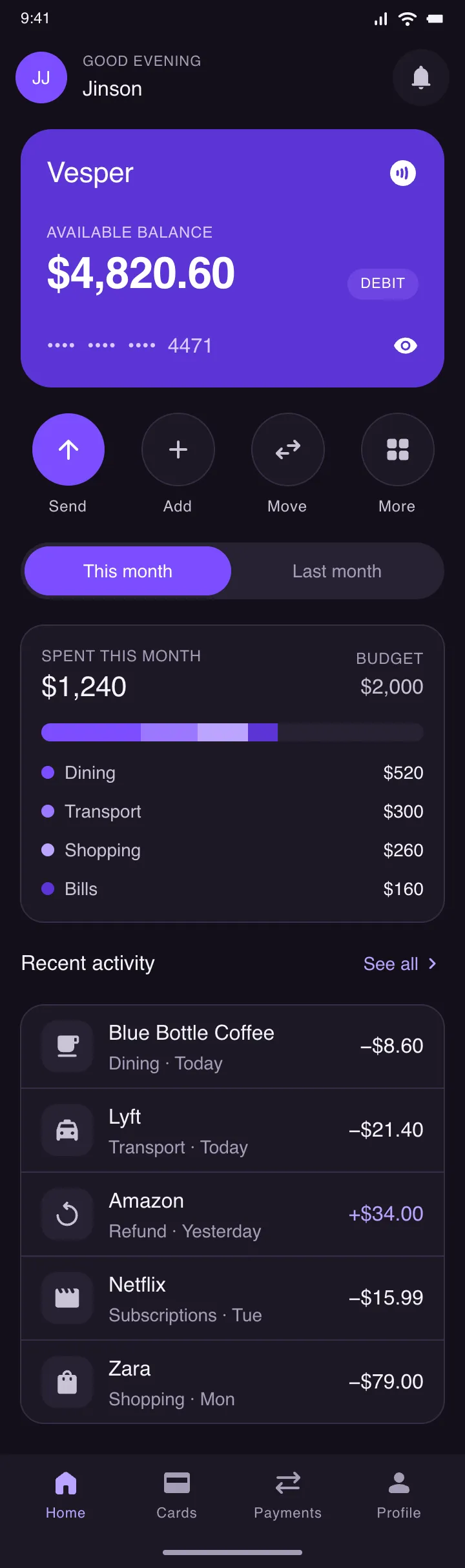
Vesper — Wallet — .gui preview
Vesper — Wallet Android
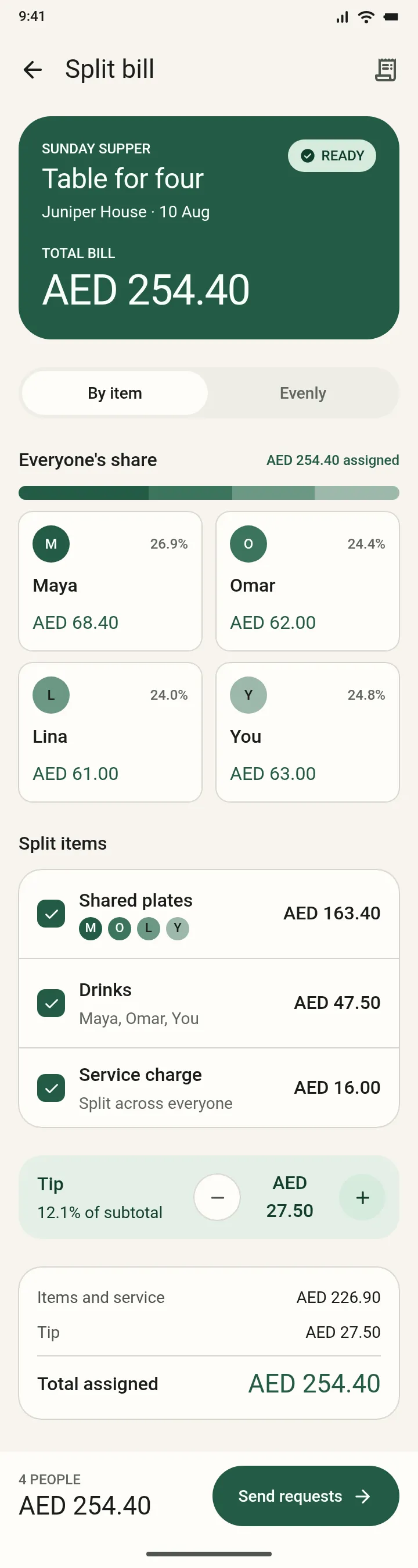
Tally — Shared Bill — .gui preview
Tally — Shared Bill Android
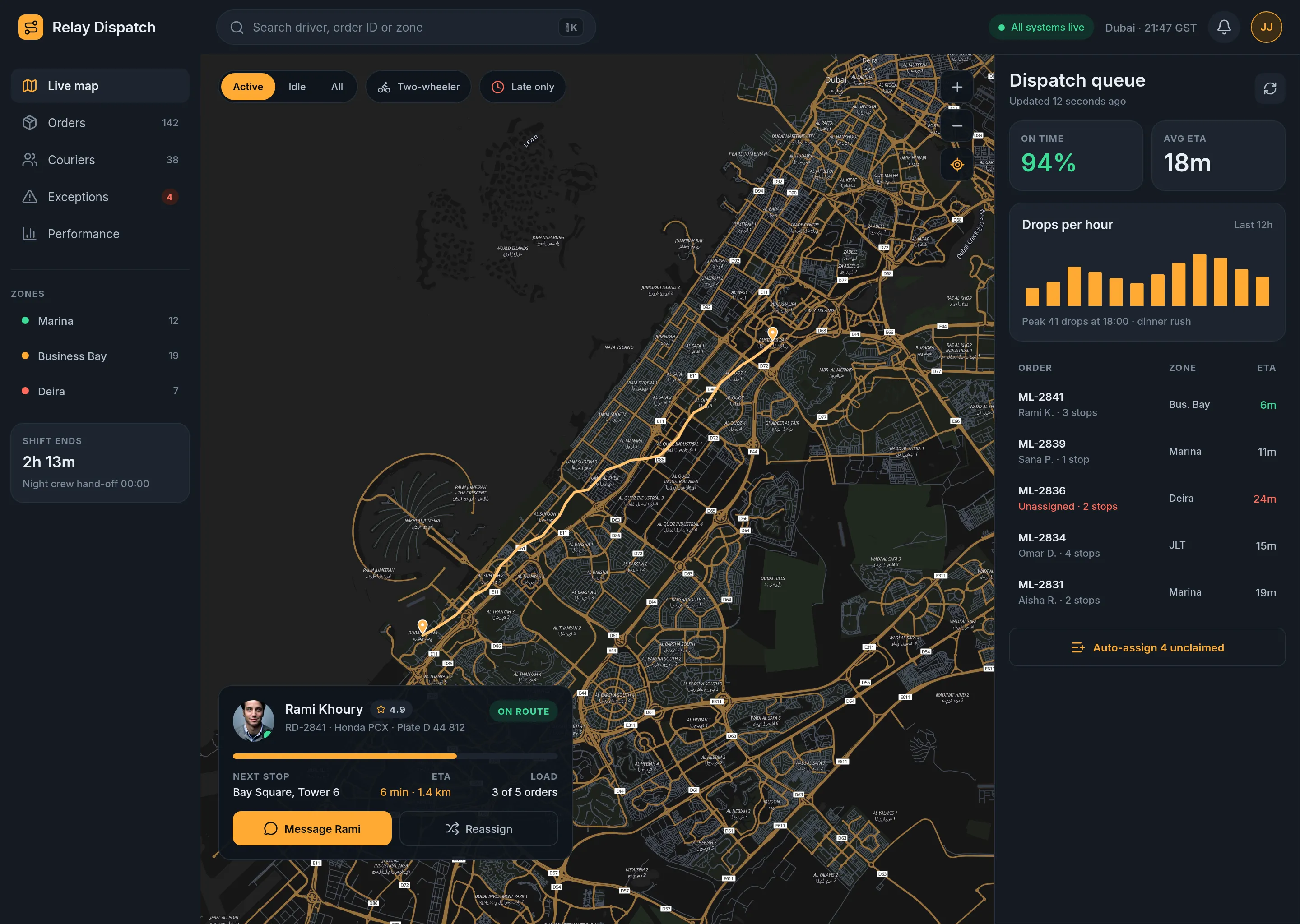
Relay Dispatch — Live Operations — .gui preview
Relay Dispatch — Live Operations Web
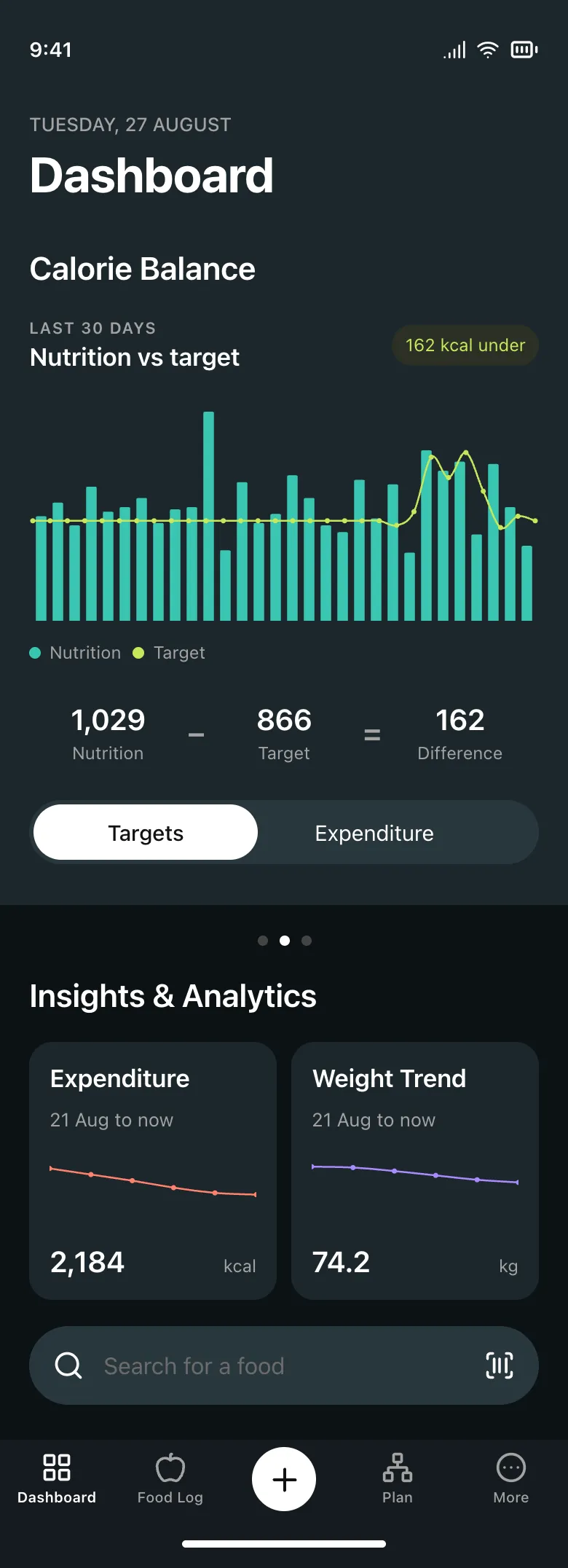
NutriPulse Daily Nutrition Dashboard — .gui preview
NutriPulse Daily Nutrition Dashboard iOS
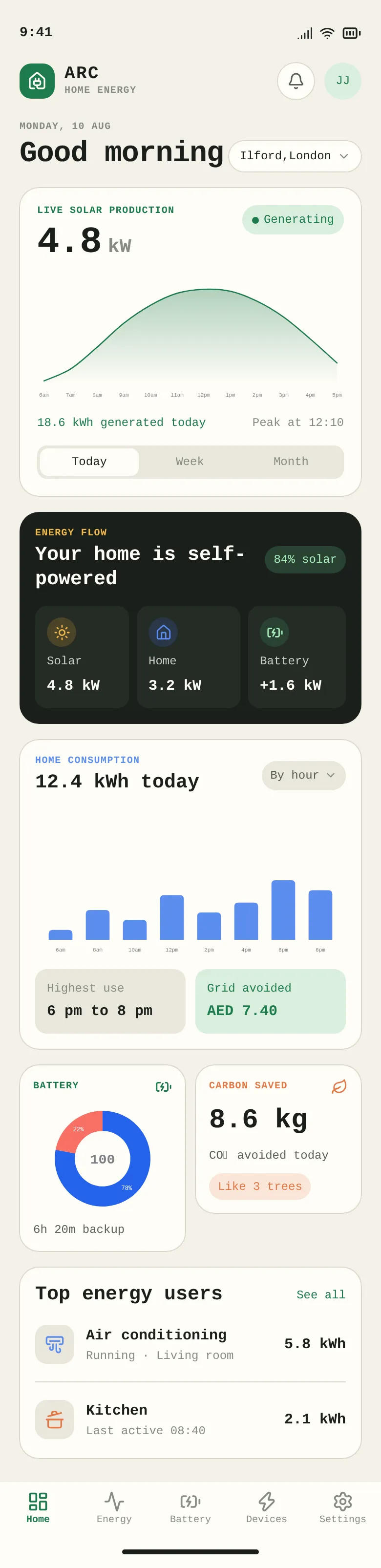
Arc iOS Home Energy — .gui preview
Arc iOS Home Energy iOS
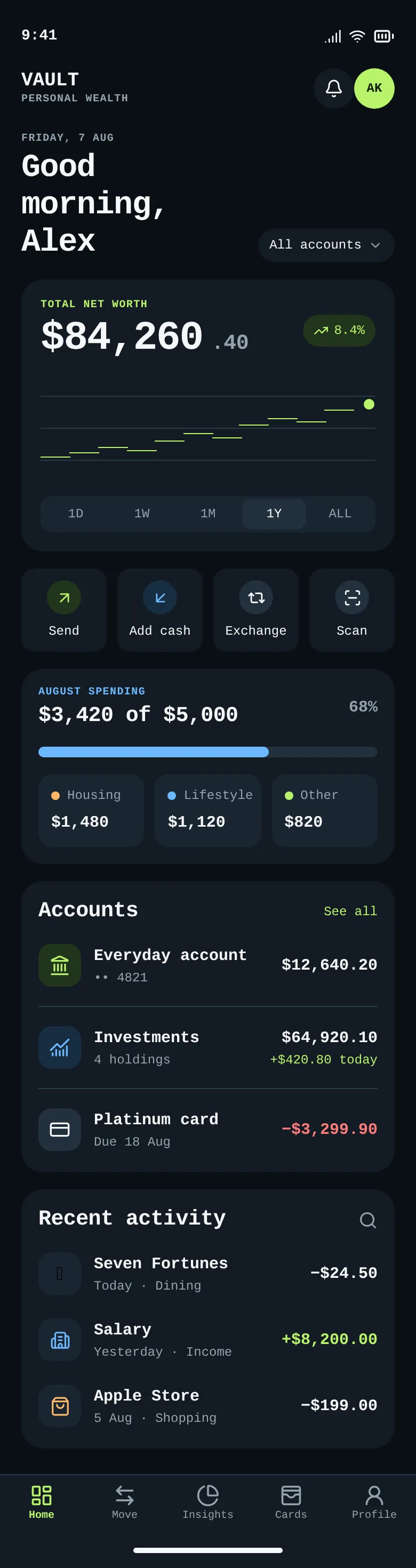
Vault — iOS Finance Dashboard — .gui preview
Vault — iOS Finance Dashboard iOS
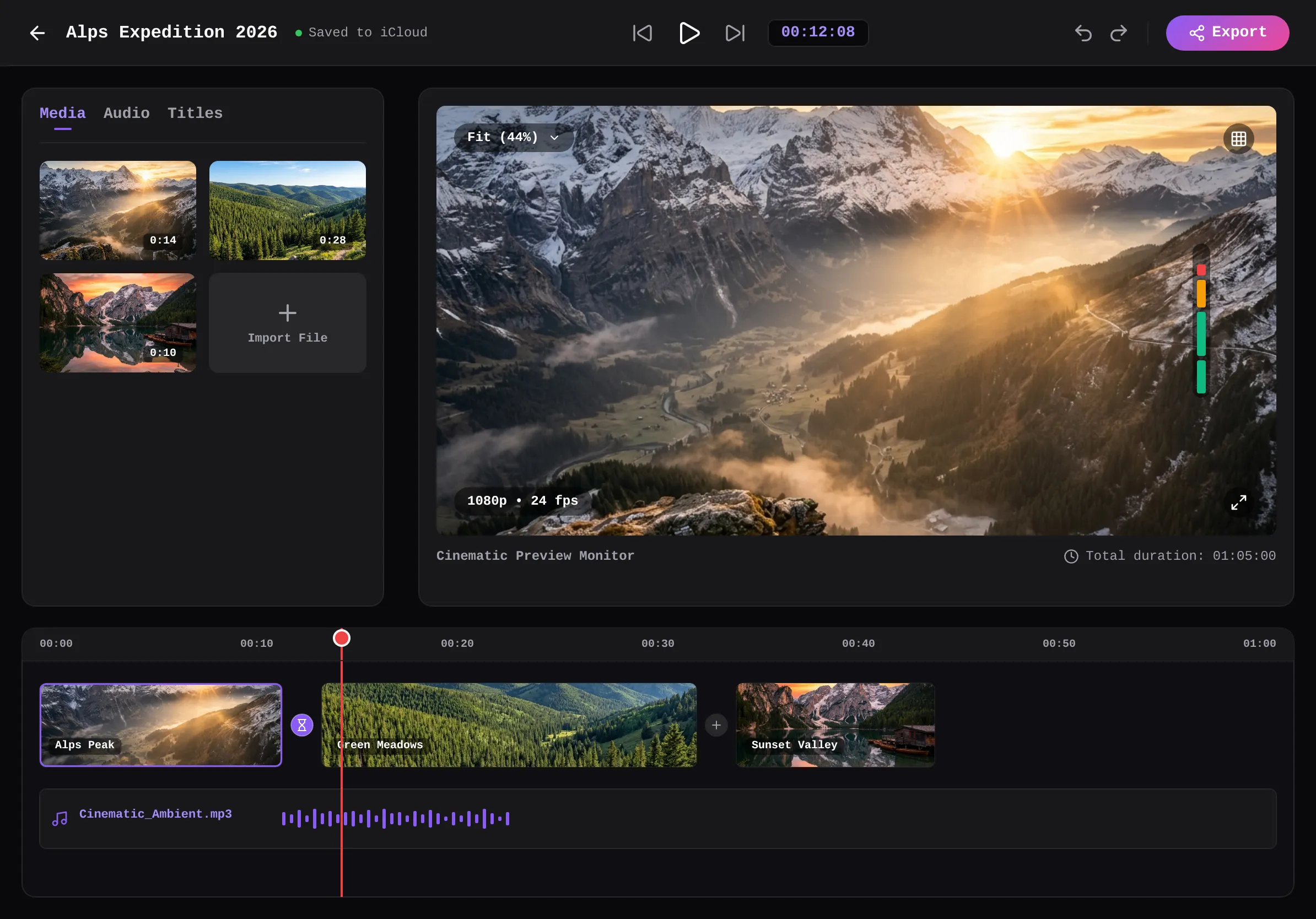
iPadVideoEditor — .gui preview
iPadVideoEditor iOS
WhoopDashboard — .gui preview
WhoopDashboard iOS
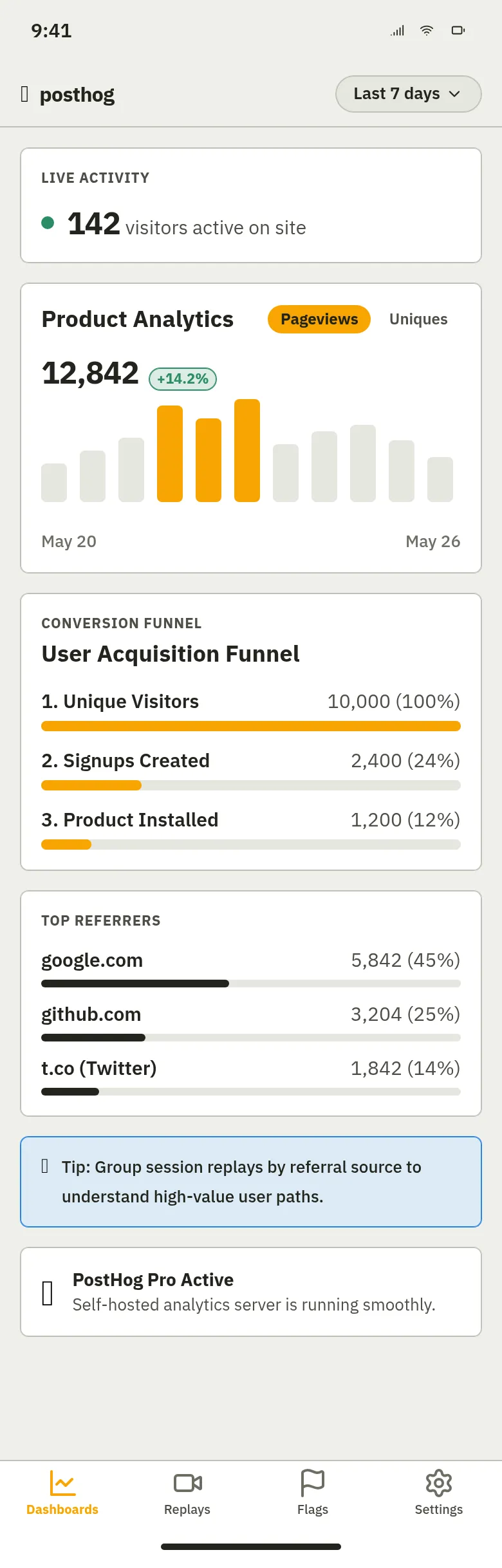
PostHog Mobile Analytics — .gui preview
PostHog Mobile Analytics iOS
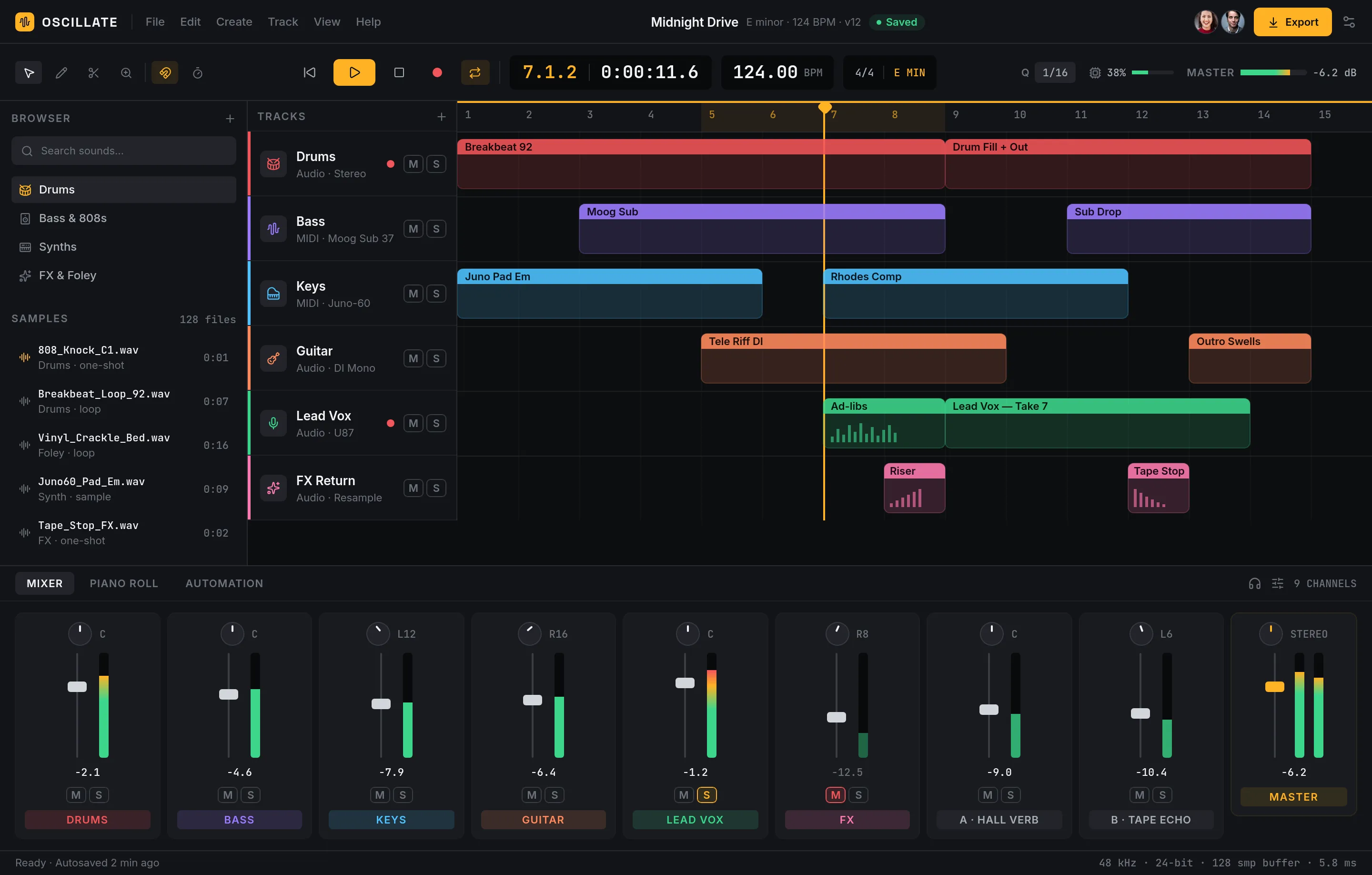
Oscillate — Music Production — .gui preview
Oscillate — Music Production Web
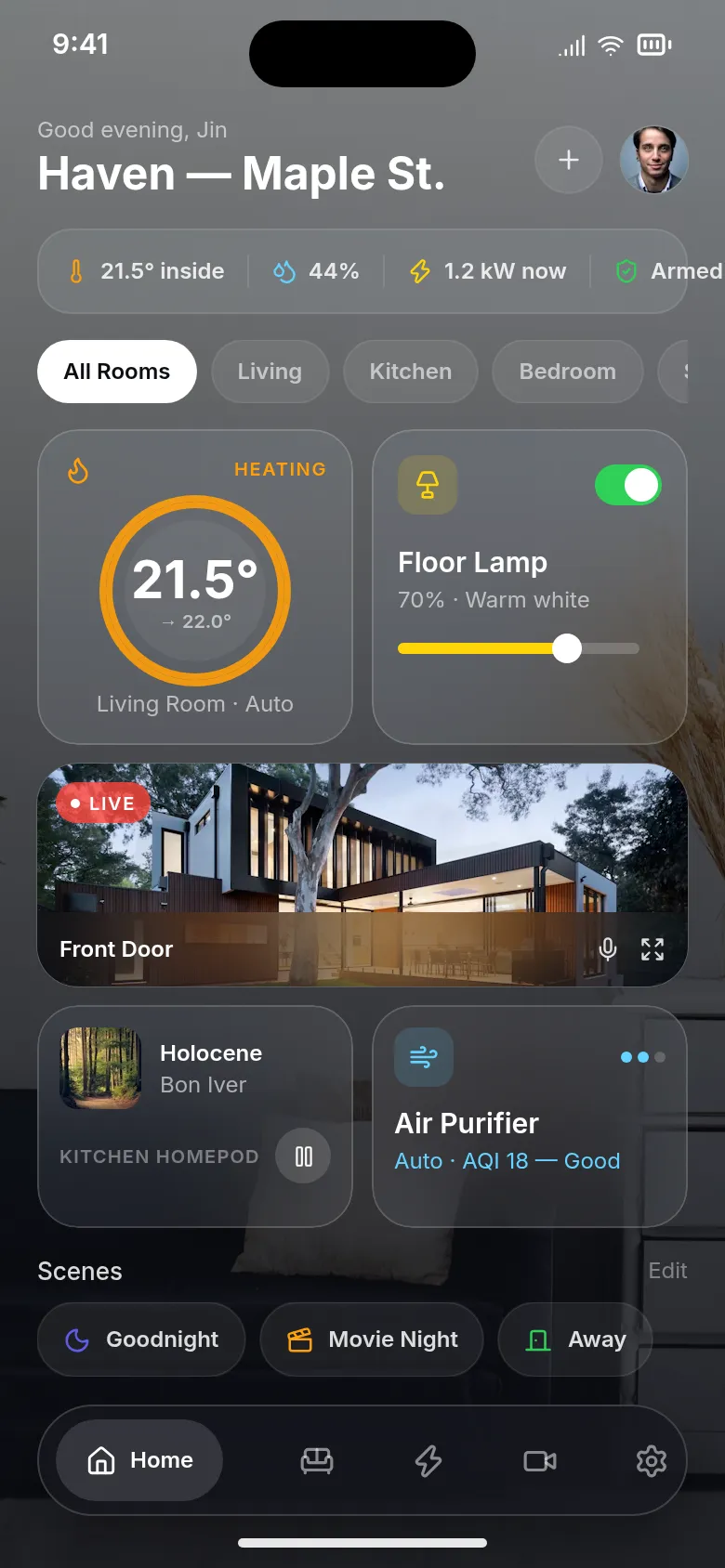
Haven — Smart Home (Liquid Glass) — .gui preview
Haven — Smart Home (Liquid Glass) iOS
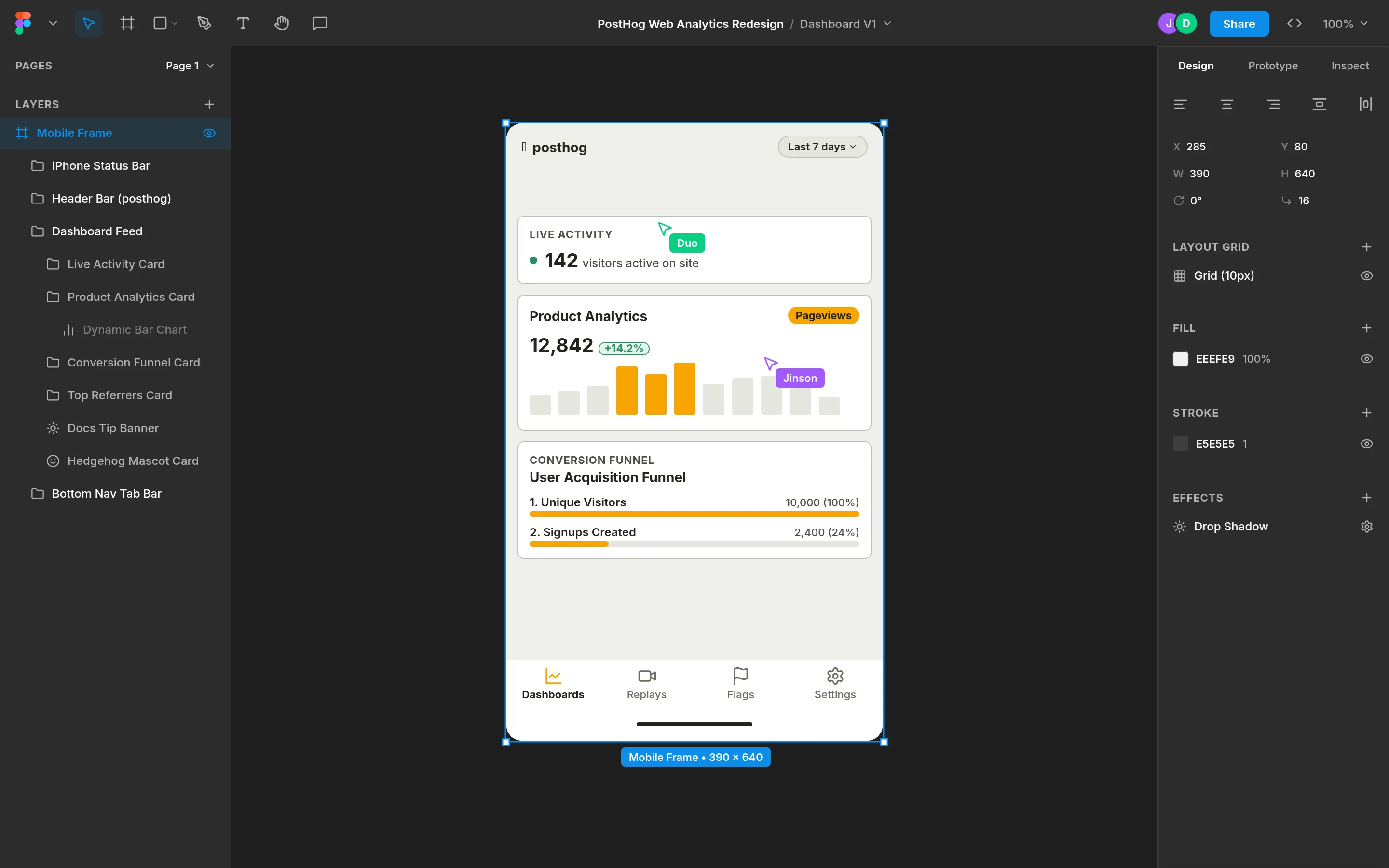
FigmaClone — .gui preview
FigmaClone Web
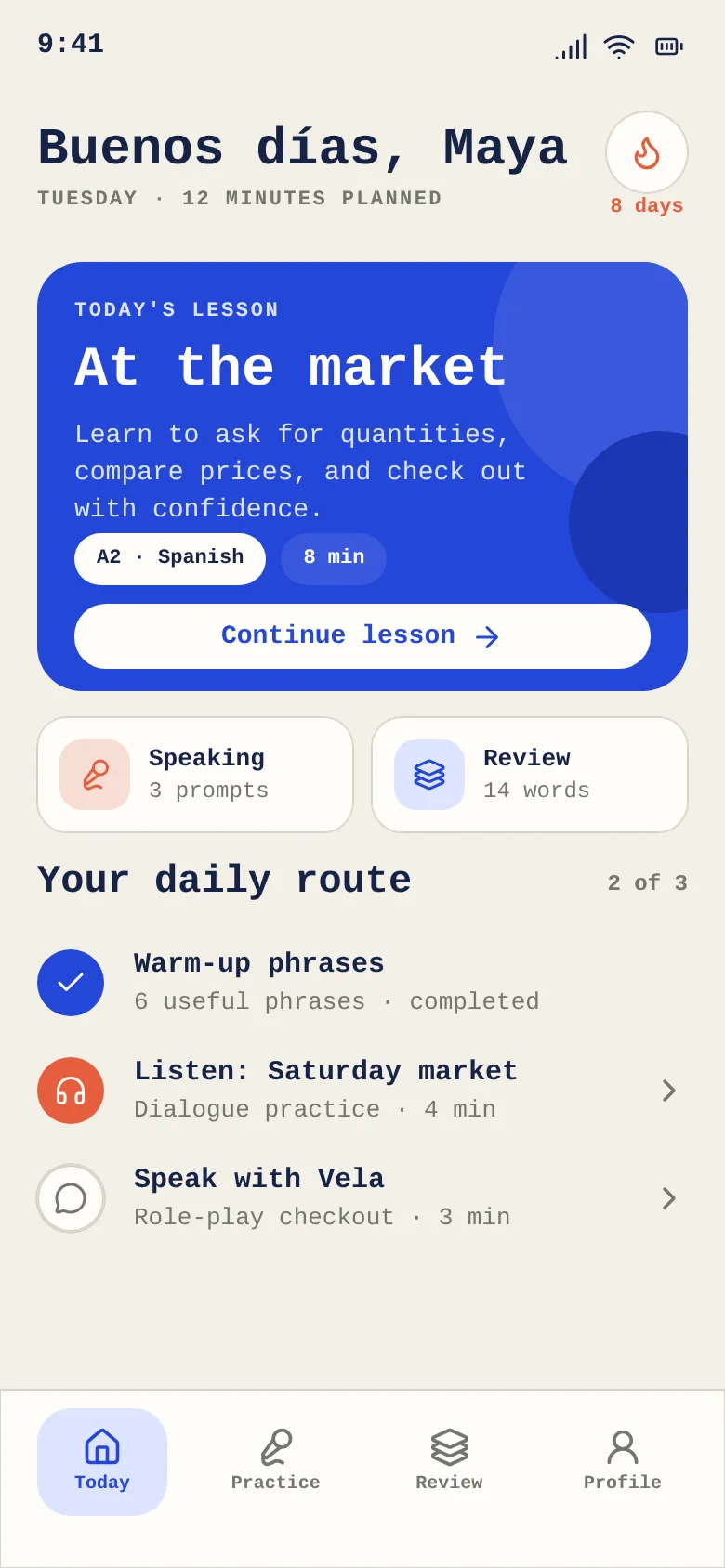
Vela Language — Today — .gui preview
Vela Language — Today iOS
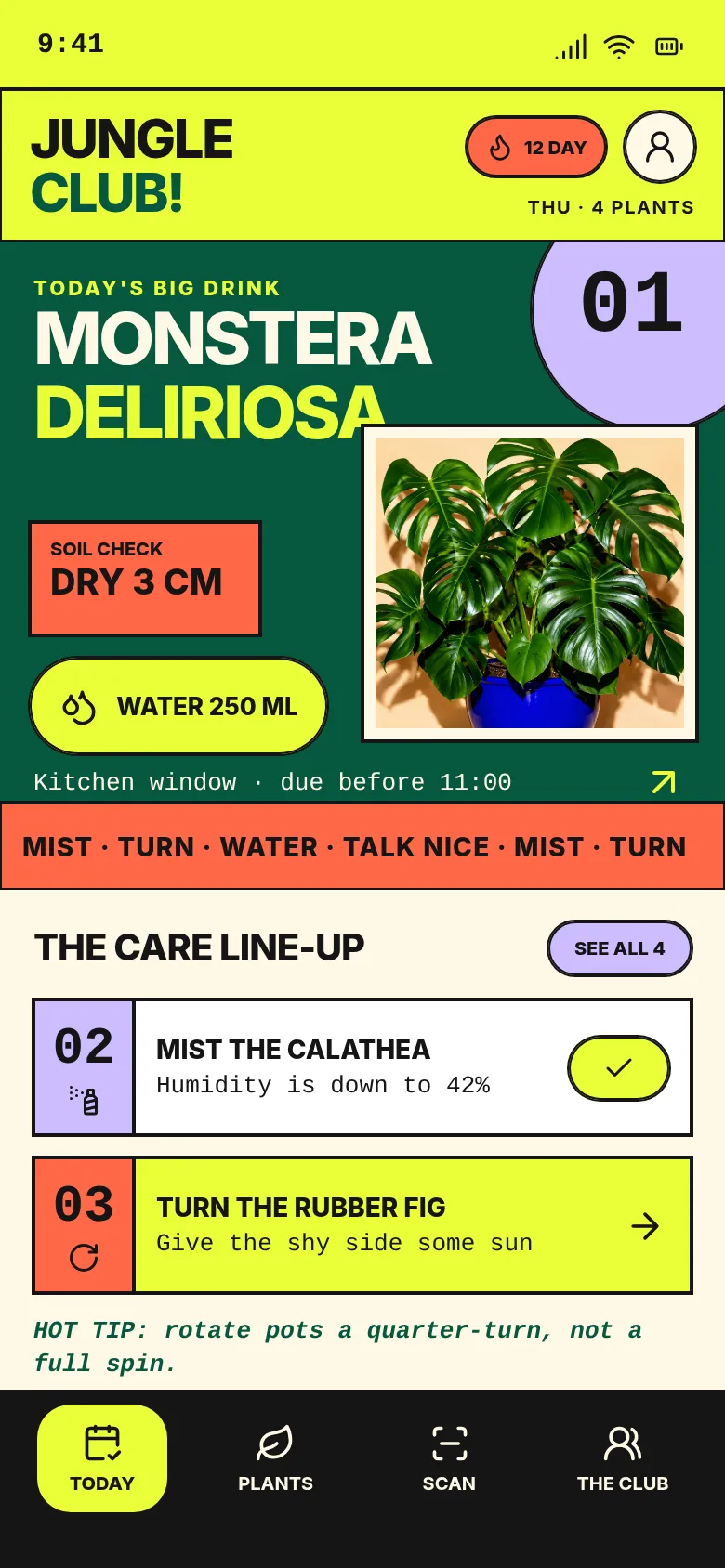
Jungle Club — Plant Care — .gui preview
Jungle Club — Plant Care iOS
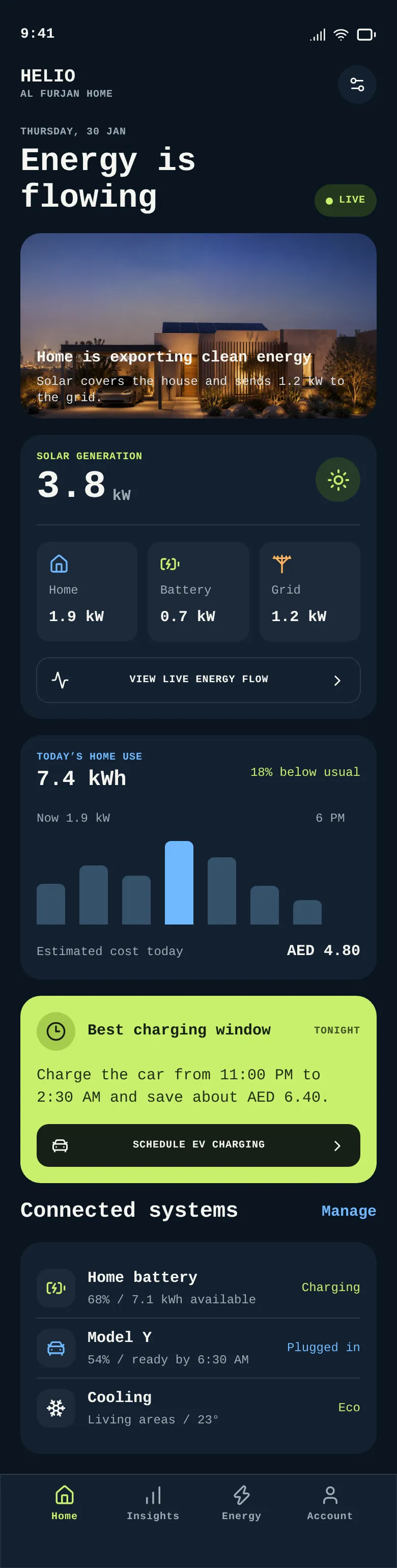
Helio - Smart Home Energy — .gui preview
Helio - Smart Home Energy iOS
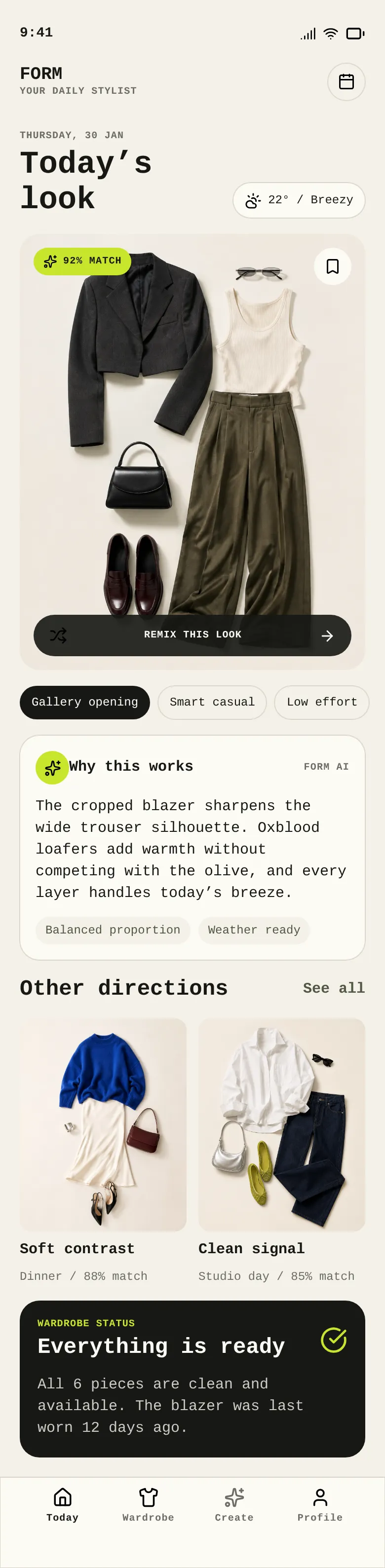
Form - AI Wardrobe Stylist — .gui preview
Form - AI Wardrobe Stylist iOS
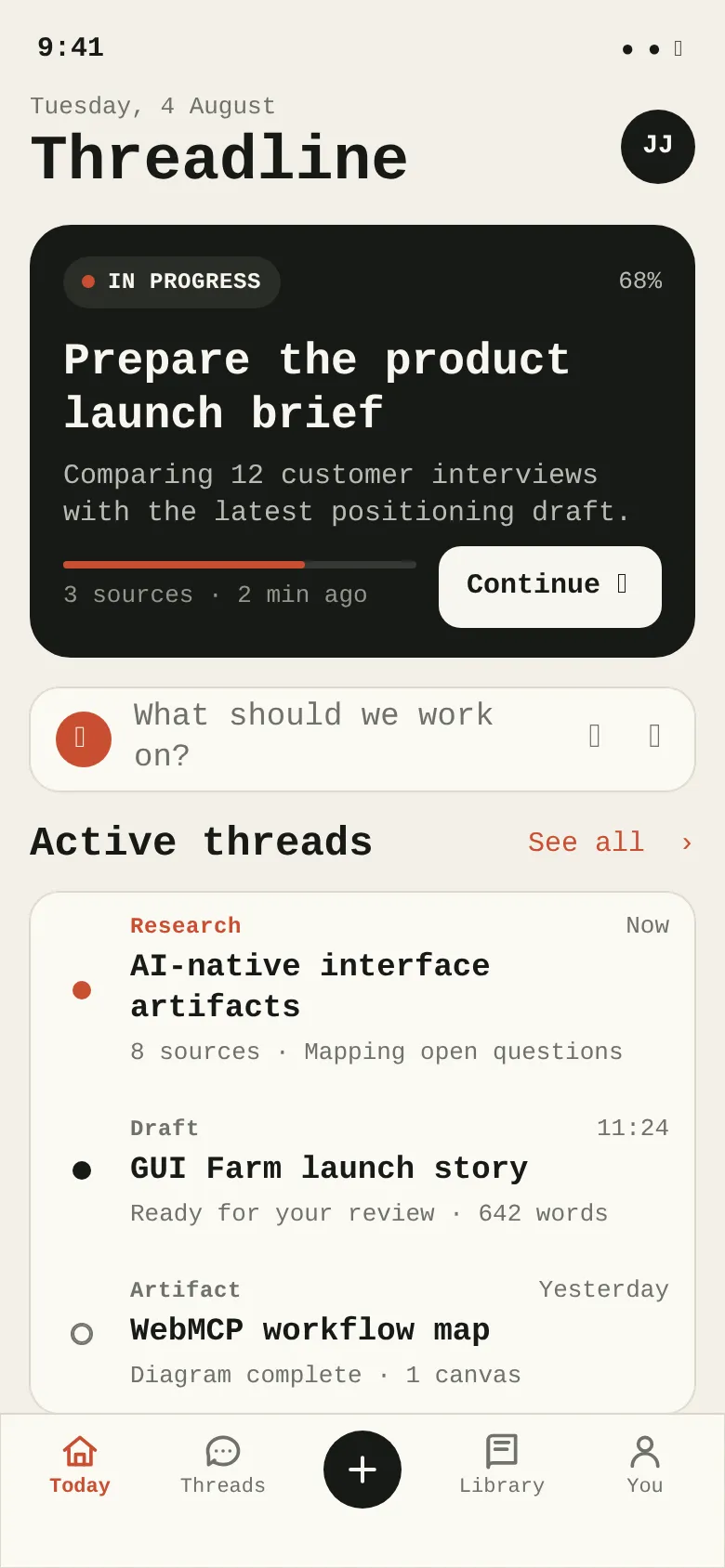
Threadline Today — .gui preview
Threadline Today iOS
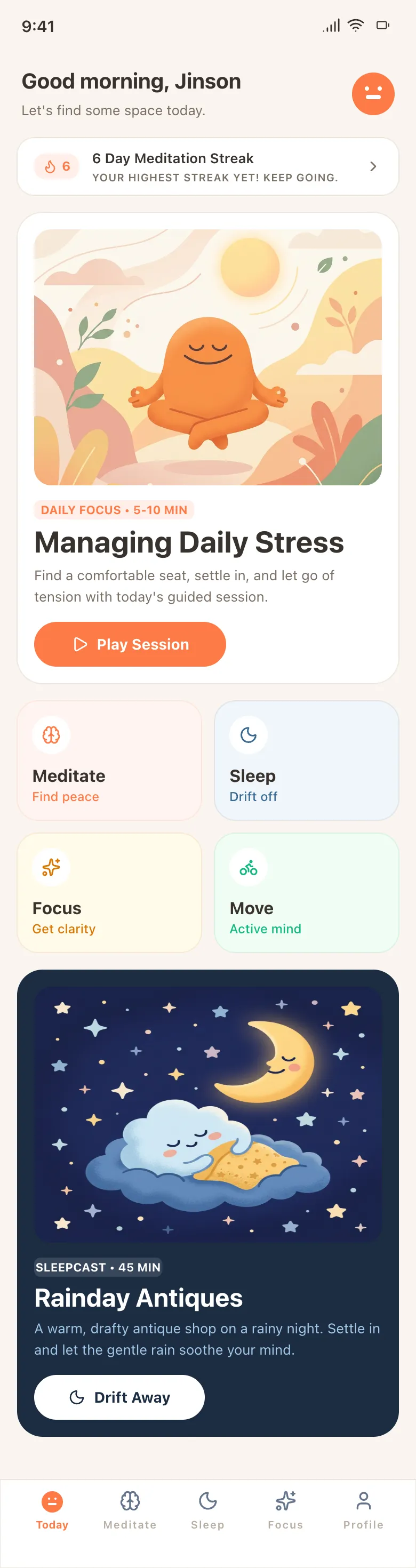
HeadspaceClone — .gui preview
HeadspaceClone iOS